Windows
Web Site
Tools
Basic
Kill process by id [Link of detail api]
TaskKill /f /pid {pid}
Check process by name [Link of detail api]
rem e.g. wmic process get processid,executablepath | find "msedgedriver.exe"
wmic process get processid,executablepath | find "{Process Name}"

Check windows version
- press
win+Rto call outRunDialog winver
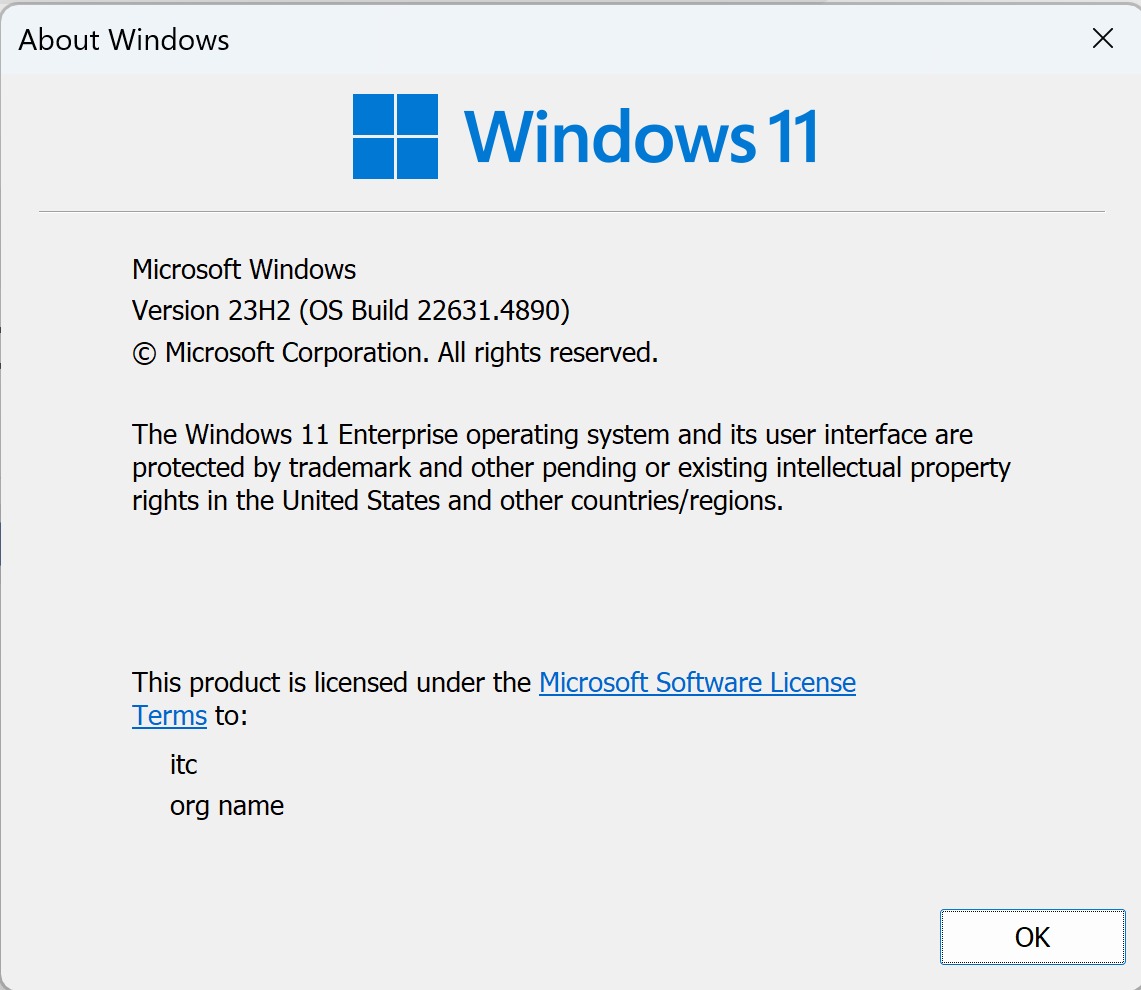
Shortcut key to open system path Below two command can open system path setting pannel
systempropertiesadvanced
rundll32 sysdm.cpl,EditEnvironmentVariables
View Windows Certificates
-
Open
MMCthroughRunDialog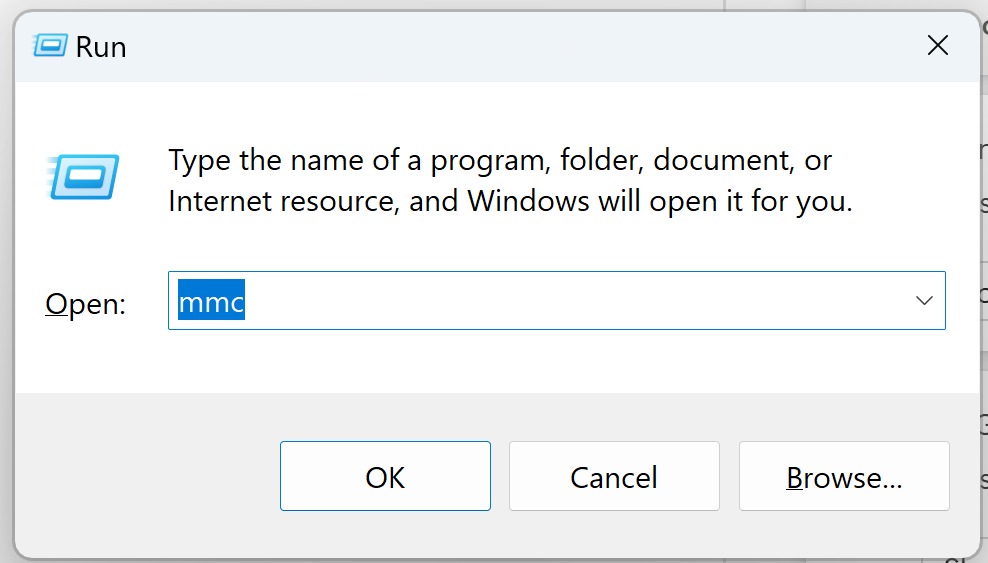
-
Open
File>Add/Remove Snap-in...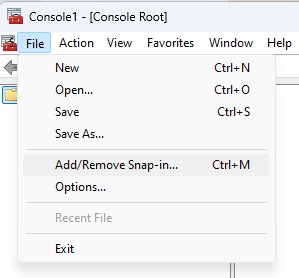
-
select
Certificatesto view- Double click
Certificates - or select the
Certificates
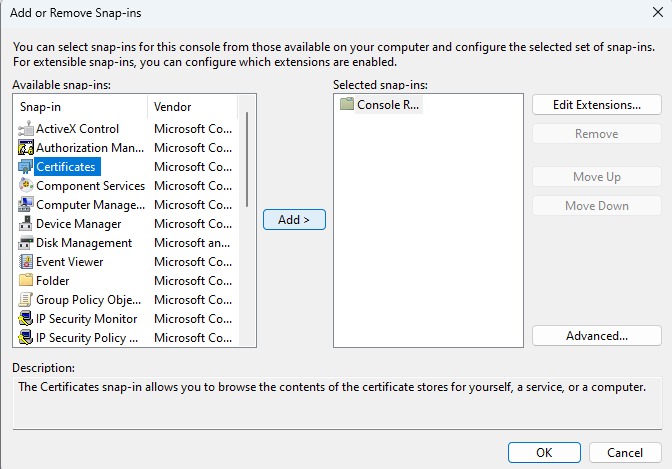
- Double click
-
press
Addbutton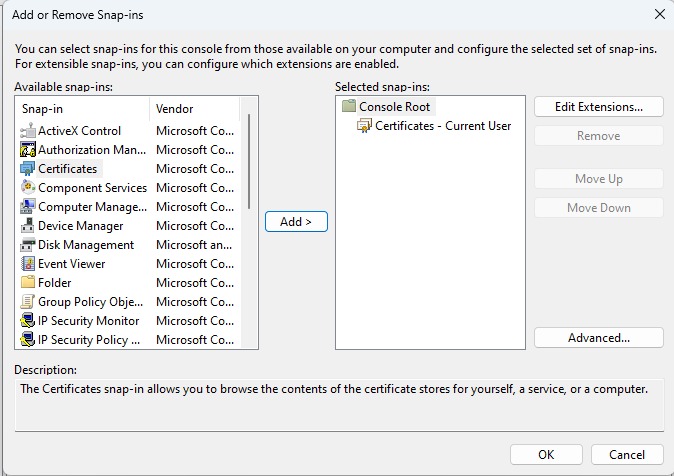
-
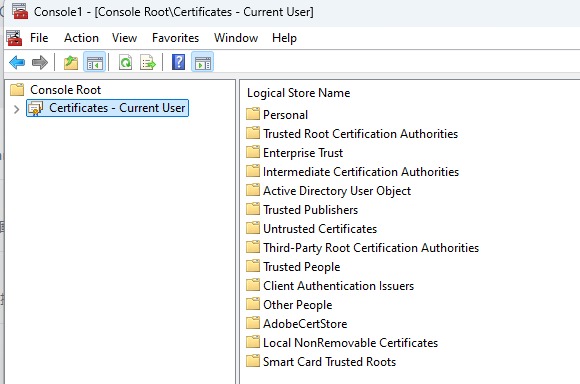
expend the certificate to view the certificates for the selected user
Related articles:
Python Script to Search Kill Process
March 11, 2025 by Xeth [~1 mins]
A simple snippet to find process by name and kill the process
UTF 8 support in Windows Cmd
March 17, 2023 by Xeth [~1 mins]
Tried using scala repl in windows, chinese words now showing …